How To Access Your New Course!
We are so happy that you have joined one of our popular courses. You're in good company!
Please use the below images to help you access and navigate your new course.
Enjoy!
STEP 1: LOGIN
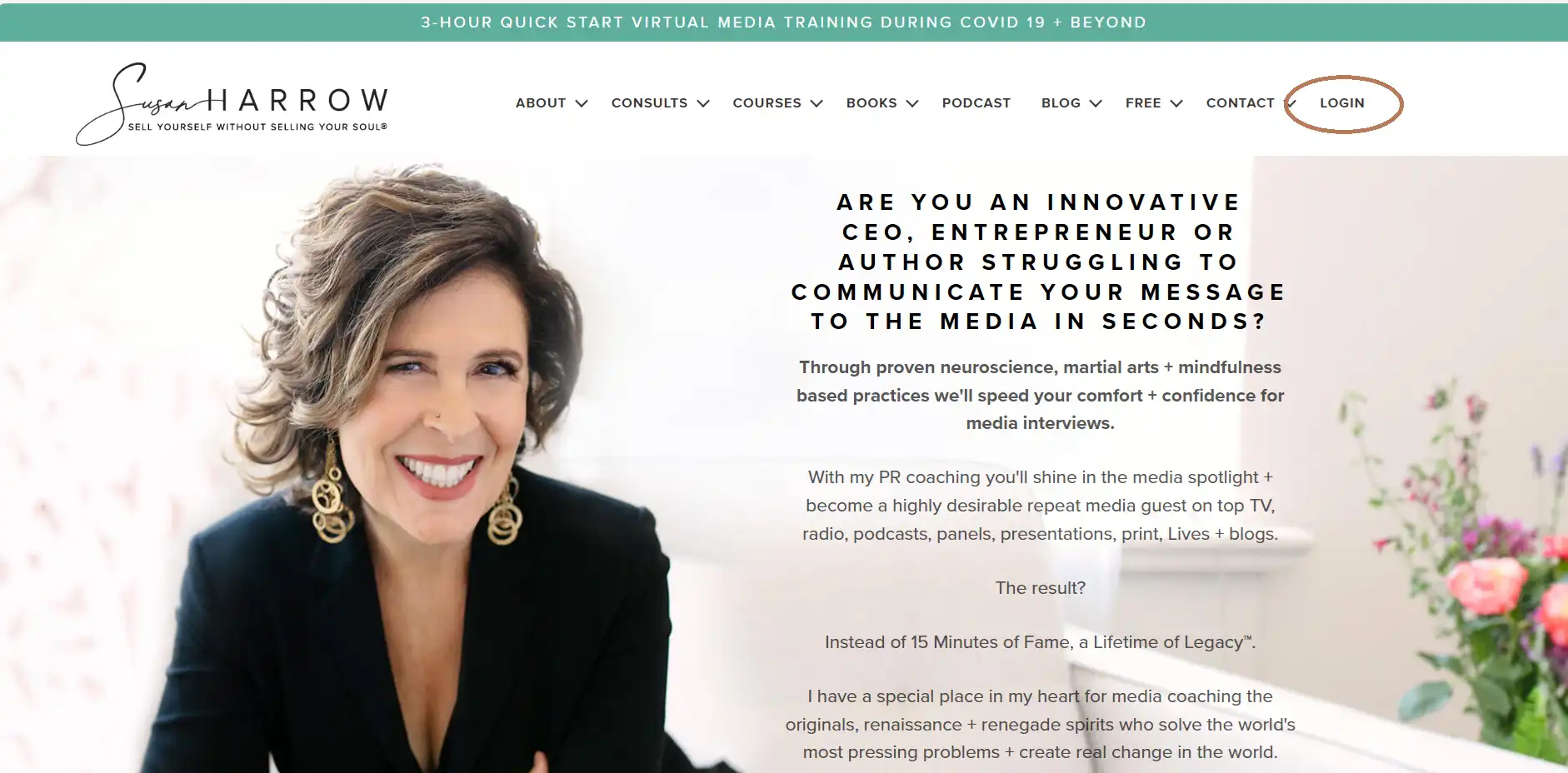
Navigate to the homepage https://prsecrets.com/ and click on login on the top left.
STEP 2: FILL IN YOUR DETAILS
Fill in your email address and the password that you created when you registered for the course.
If you have forgotten your password, click "Lost Your Password?"
If you still cannot access the course please email us at mgr@prsecretstore.com and we will be happy to assist.

STEP 3: COURSE LANDING PAGE
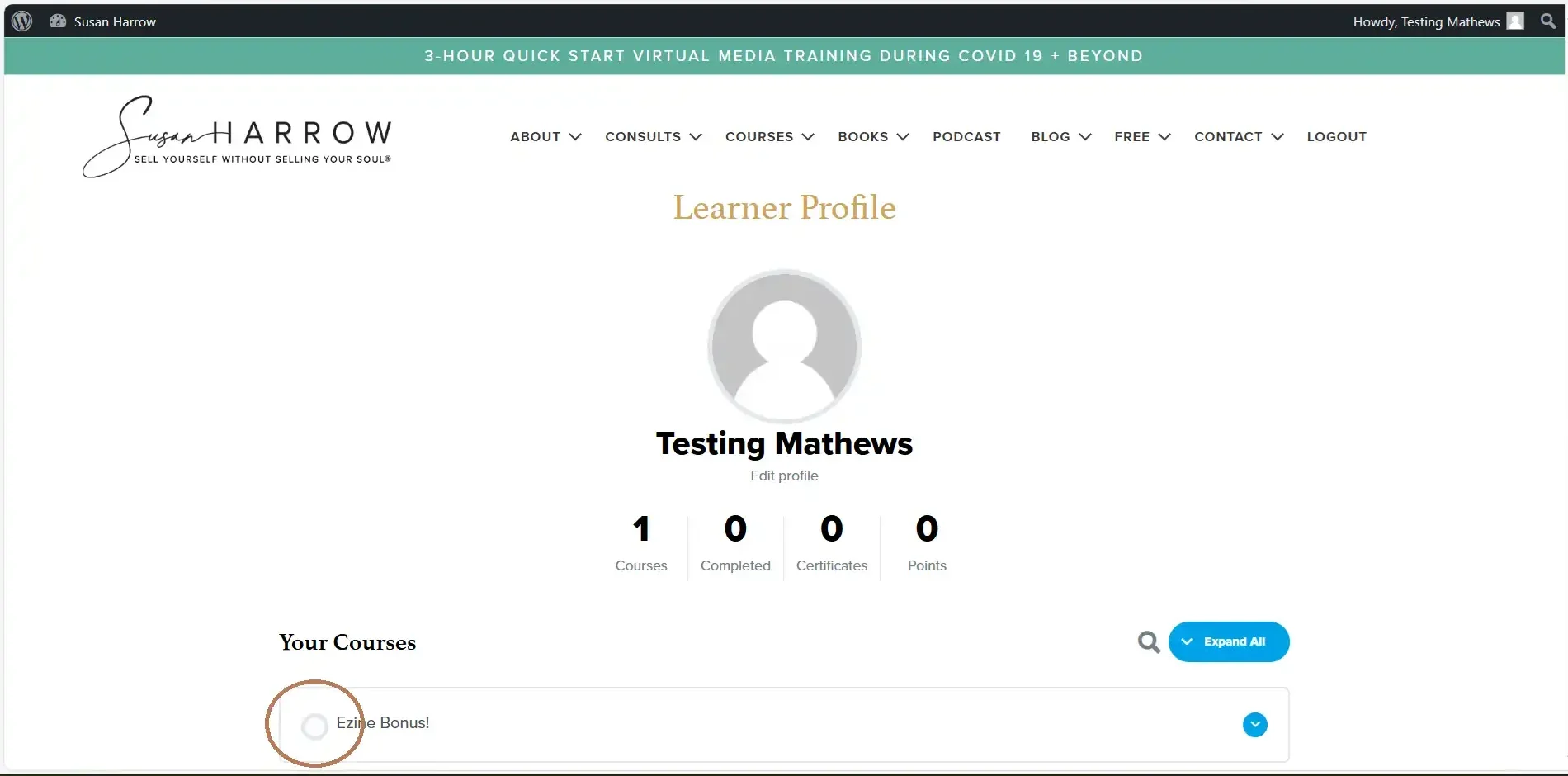
This is where you will be able to access your course/s.
You will also be able to see your course progress.

STEP 4: SEE YOUR COURSE PROGRESS
Expand your course to see your progress by clicking on the button as shown below.

STEP 5: ACCESSING YOUR COURSE
To get to the lessons and topics click on the circle next to the course name as shown in the image below.
STEP 6: LESSONS + TOPICS
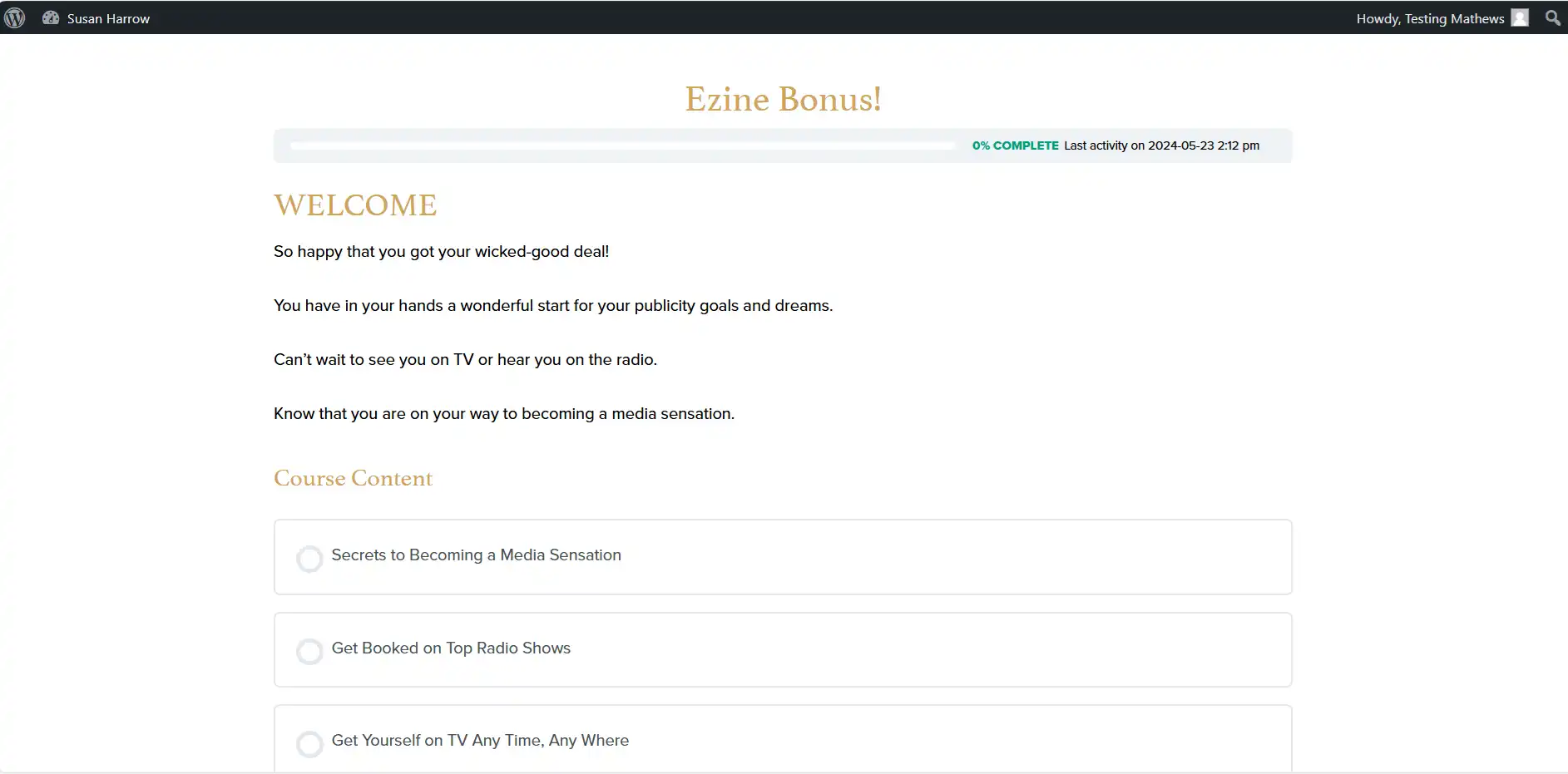
Welcome to your course dashboard. You can navigate around from here. Enjoy!
STEP 7: LOGOUT
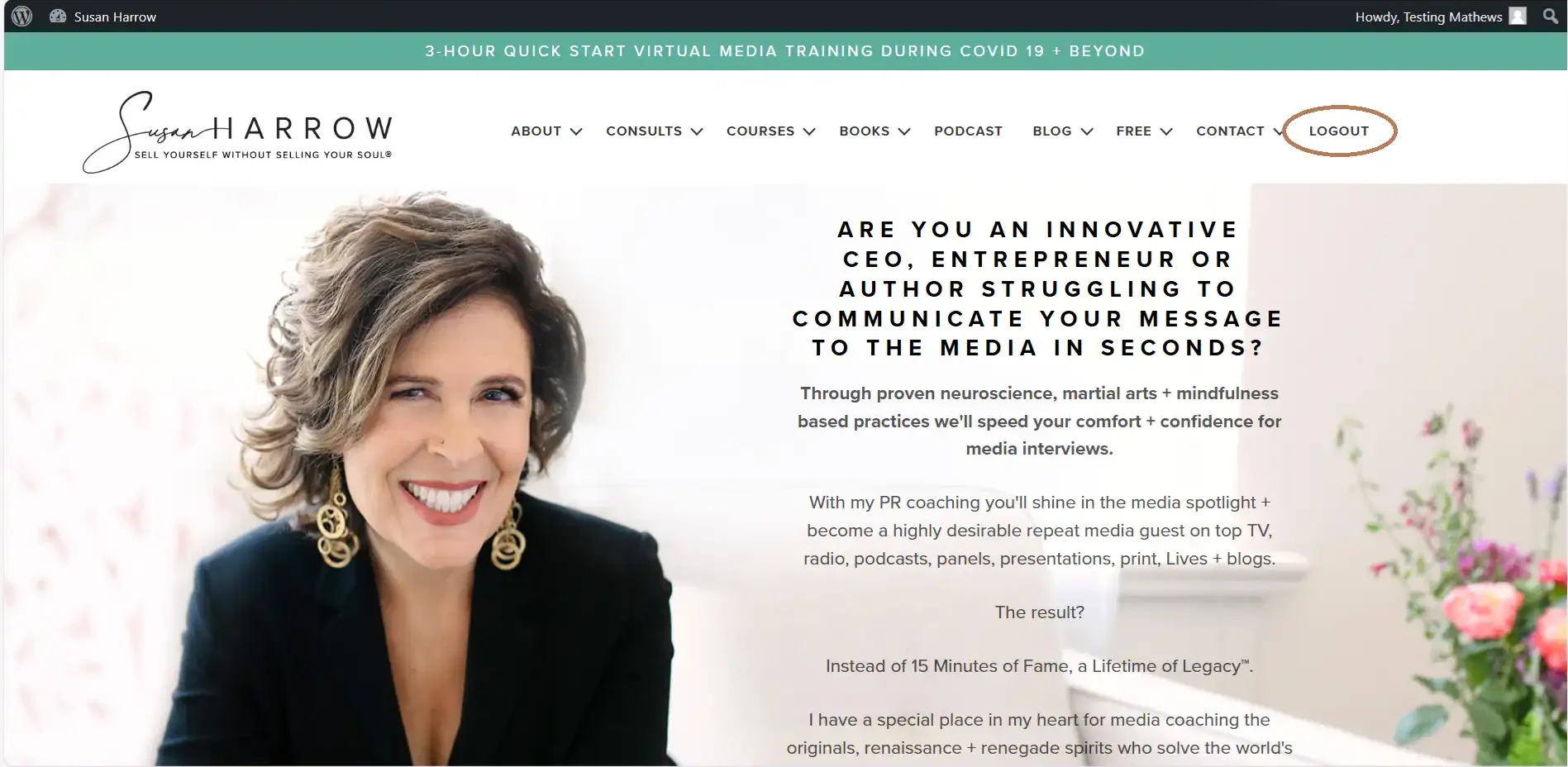
To log out, navigate to the website homepage again and click logout on the top right.